AutoTrader is the next-generation platform for automated trading, simplified for retail investors.
AutoTrader enables users of all levels to quickly invest in thousands of tried-and-tested, automated trading strategies across Bitcoin, Ethereum, and 100+ other cryptocurrencies.
Here’s how to get started.
1. Not Enough Assets in Wallet
AutoTrader bots use the assets in your wallet. If your balance is insufficient, the bot will not launch.
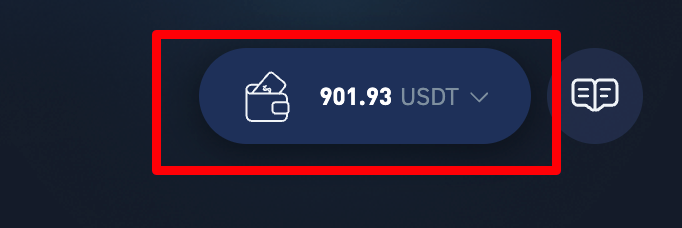
Make sure that you have enough assets in your wallet by either transferring funds from another platform or topping up directly with your credit card.
Think about how much you’re willing to invest, and top up with that amount.
2. Not Enough Money Invested
While we’ve lowered the investment threshold for most AutoTrader bots, depending on the strategy, you still need to invest a bit of money into them or else the bot won’t be able to build a position.
Most bots have a minimum investment requirement, you can see it on the strategy.
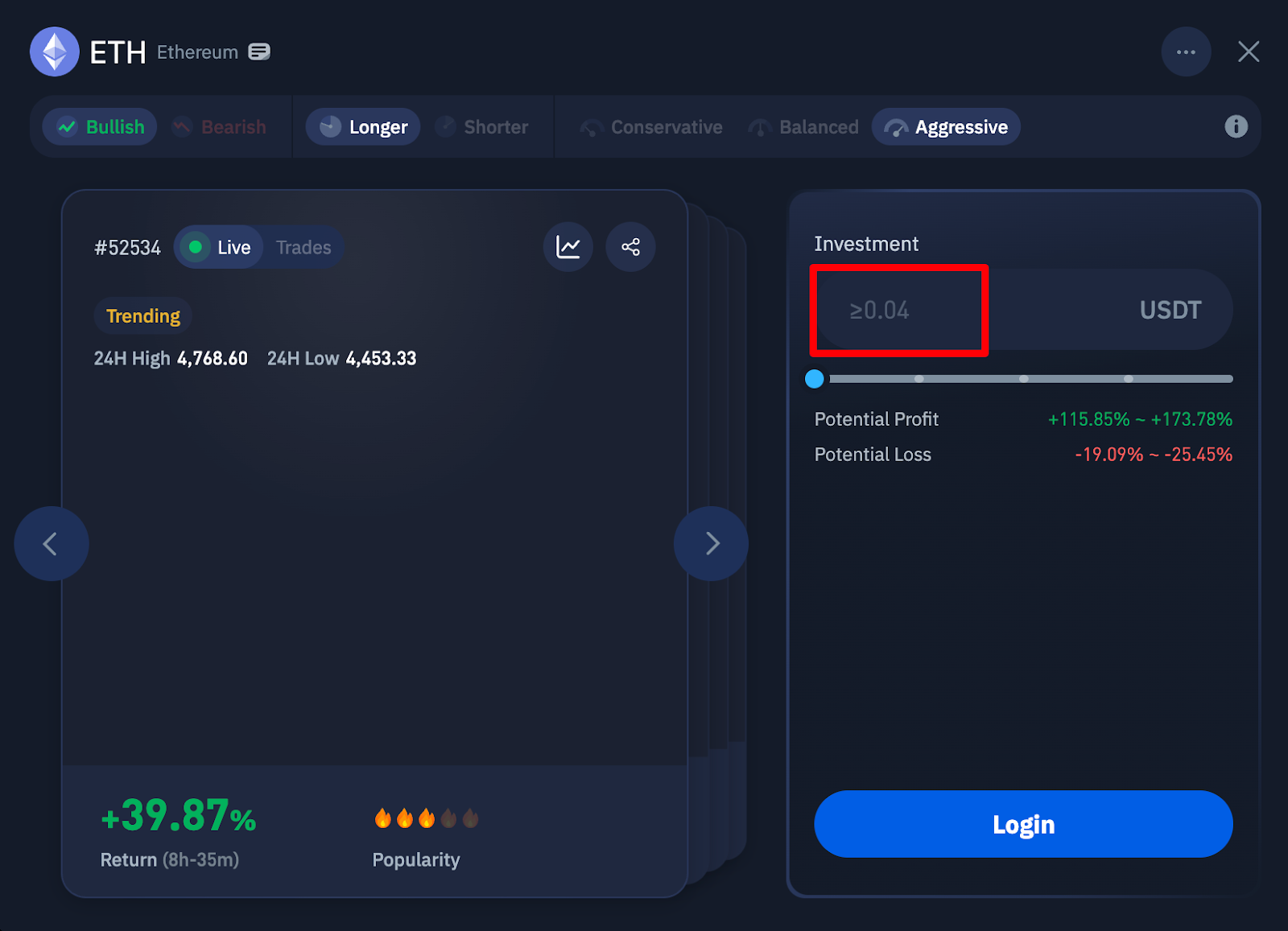
Here, you need to invest at least 0.04 USDT in this Ethereum (ETH) bot.
3. Your TP/SL Targets have been triggered
After launching a bot, you may notice that it has deactivated for no apparent reason. This is because each bot has built-in take-profit and stop-loss parameters if you did not set a take profit or stop loss condition.
When a bot does well and accumulates a certain amount of profit, the position will be sold off to lock in those profits, with the profits being added to your wallet.
Conversely, if a bot is doing poorly, the position will be closed at a small loss to prevent further losses. This is done to prevent you from getting liquidated and losing too much.
Even though you’ll lose some money, you’ll still have enough left to make more trades and make your money back.
Key Takeaways
If your bot isn’t working, it’s usually because of these three reasons:
Not enough assets in your wallet
Not meeting the minimum investment threshold for a particular bot
TP/SL targets have been triggered and your bot has been deactivated
Was this article helpful?
That’s Great!
Thank you for your feedback
Sorry! We couldn't be helpful
Thank you for your feedback
Feedback sent
We appreciate your effort and will try to fix the article